Documentation
What is KITE?
KITE is an application that reads RSS, Atom or JSON feeds and displays their content.
Okay, but what's a feed?
A feed is a special file that a website automatically generates to share what's new (such as blog posts, podcasts or news). This file contains the latest news published, but in a format that can be easily read by computer applications for extraction and display.
Feeds come in three formats: RSS, Atom or JSON, but that's a technical detail.
What's a feed for?
Imagine you like to read several blogs or follow several sites, Youtube channels, Podacsts ... to keep yourself informed, to keep an eye on things or simply to entertain yourself. You need to remember the addresses of each site and go to each of their pages to see what's been newly published.
A feed can be accessed in the same way as a web page, i.e. using a web address that is made available on most content sites.
With a feed reader like KITE, you can subscribe to the feeds of all the sites you're interested in, and view all the new publications from all these sites in one place.
To tidy things up, KITE lets you organize your feeds by theme. For example, you can create your “News” feed list and add one or more feeds from your favorite news sites. You can also create several feed categories to help you find your way around.
To subscribe to a feed in KITE, simply retrieve the feed address from the site you're interested in and save it in the KITE graphical interface.
How do I find the feed address of a website?
It's not always easy to find the address of a website's feed, because depending on who developed it, it's more or less highlighted. Note also that some websites may have chosen not to provide feeds at all.
First, look for this icon
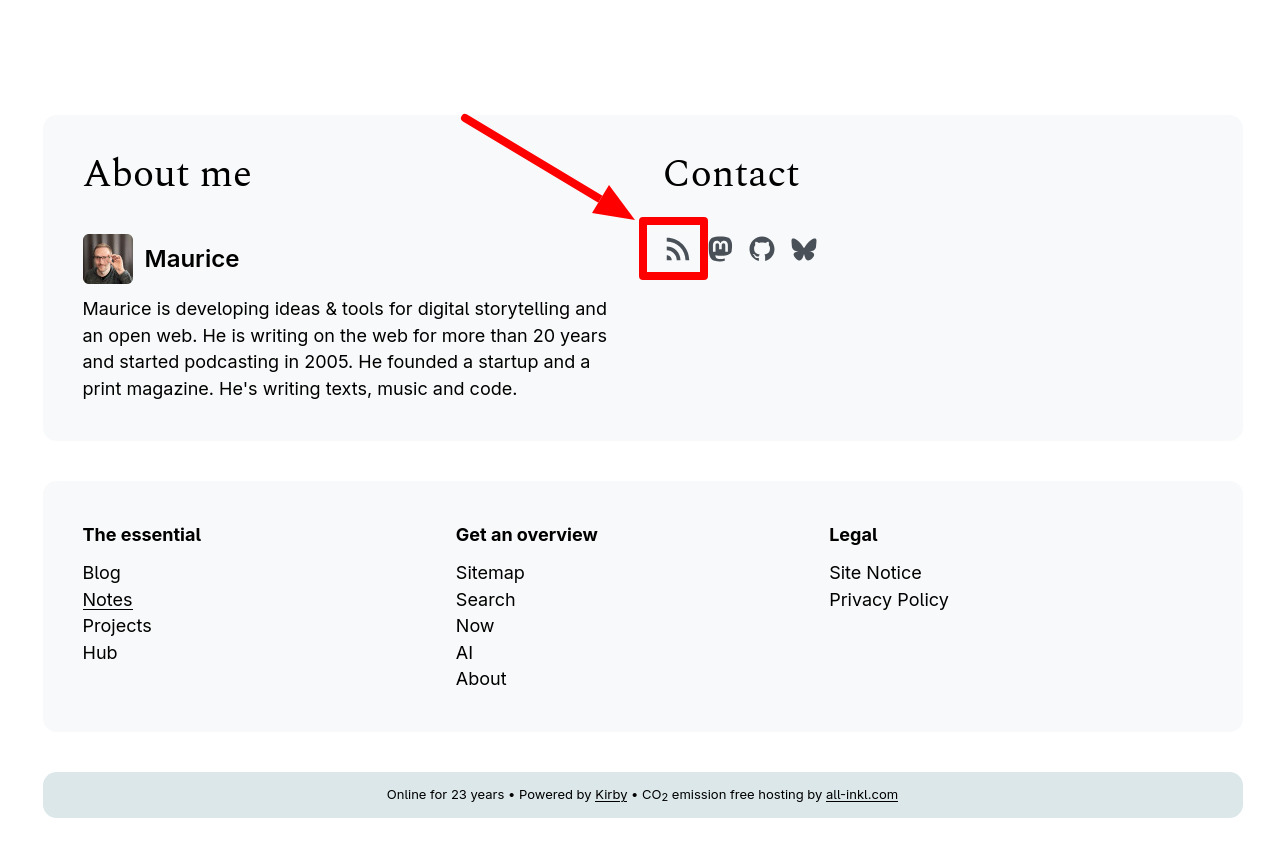
When you're looking for a website feed, start by looking for this icon. It may be in the site menu or in the footer.

If you see this icon, right-click on it and select “Copy link” from the drop-down menu. You've copied the feed address of the site in question, which you can then paste into the right place in your feed reader.
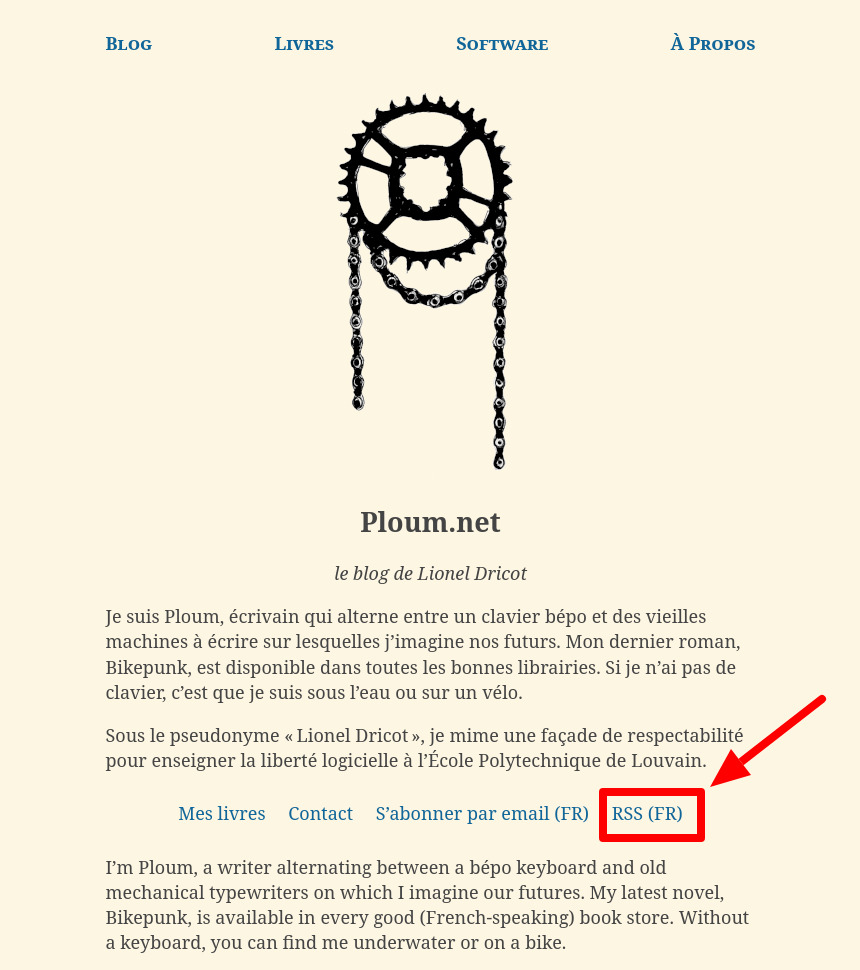
The feeds on some sites may not be symbolized by this icon, but by a simple hypertext link. Generally, the terms used are:
- Feed
- RSS
- Atom feed
- JSON feed
Here are some examples found on the web:
What if I can't find a website's feed?
If you can't find a site's feed, either the site doesn't offer one, or it does exist but is well hidden. To find out, you can use our feeds detector, which will give you the feed URL (if it exists) by simply entering the website's address.
Be aware that there are feeds for different types of content:
- text-based content sites (news, blogs, newsletters, etc.)
- video channels (YouTube, Peertube, etc.)
- audio content (podcasts, playlists, etc.)
Some RSS Feed Search Engines
To discover new content through their feeds, you can use specialized search engines.
For example, to search for feeds:
- for text-based content: rssfinder
- for audio content: getrssfeed.com